
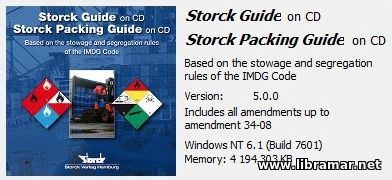
Version: 5.0
Developer: Storck Verlag, Hamburg
Platform: PC (Windows)
Compatibility with Windows7: yes
System Requirements: MS Windows 98, ME, 2000, MS Windows XP, Win 7
Localization: english
Crack: Present
Description: Storck Packing Guide on CD with IMDG Code Amendments 34-08
Description: A program for segregating dangerous goods in containers (how the module works with the Easeacon program ) in accordance with the requirements of the IMDG/IMDG Code Convention as amended in 2008
INSTALLATION
- Download the Files
- Make sure the simulator files are fully downloaded to your computer. We recommend saving them to your Desktop or Downloads folder for easy access.
- Open the Setup File
- Inside the extracted folder, look for SSGPROG_Setup.exe.
- Double-click the file to start the installation.
- If Windows shows a security prompt, click Yes or Run to continue.
- Open the Serial.txt file from the downloaded folder and paste the Serial, you can put anything in the Name area.
Follow the Installation Steps
Click Next until installation is complete.
Leave default settings unless instructed otherwise.
Finish & Launch
Once installation is done, click Close.
You can now open the simulator from the Desktop icon or Start Menu.


0 Comments